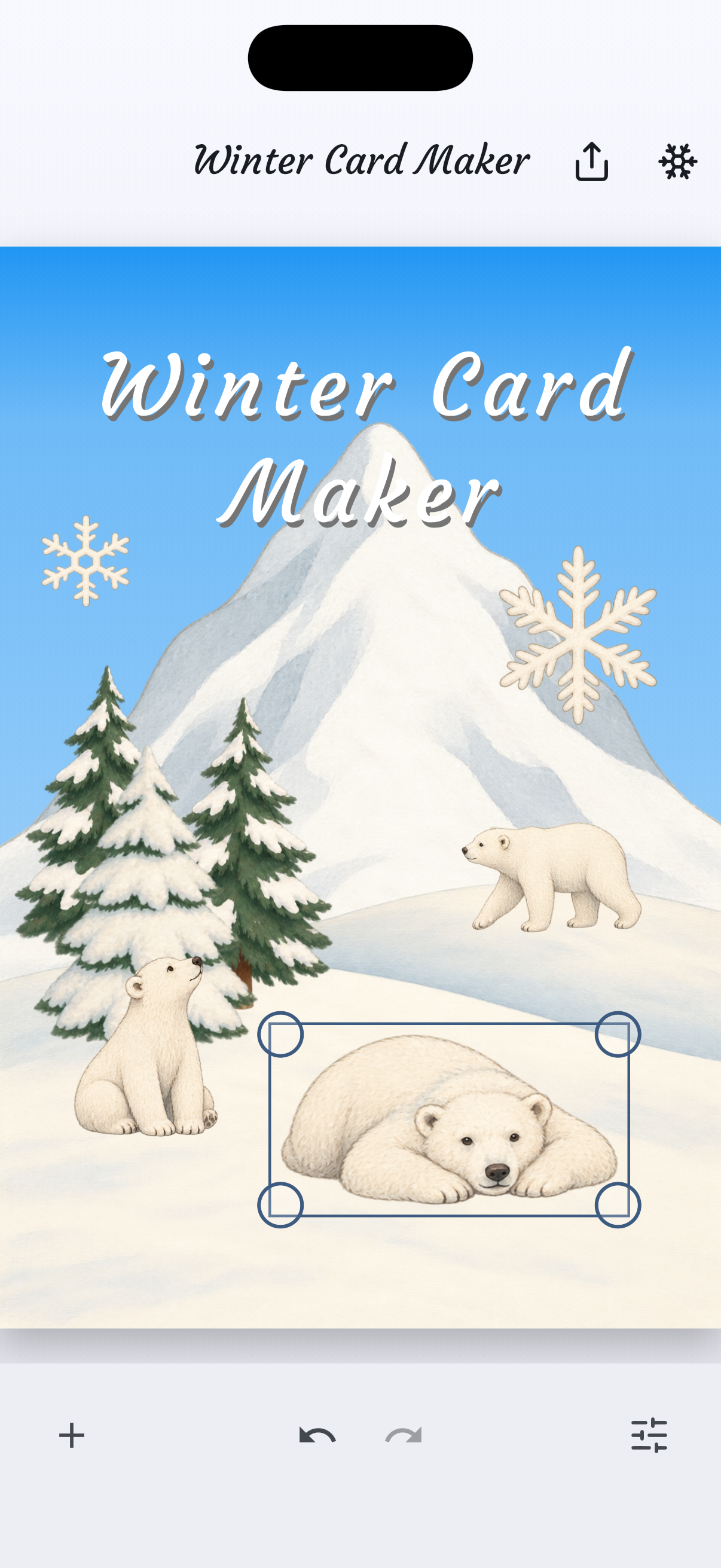
Compose a card
Portrait or landscape. Move, resize, and restack each piece until the card looks right.
 Winter Card Maker
 is for making winter greeting cards to save and share. Set a background, add scenery, decorations, photos, and text, then send the picture.
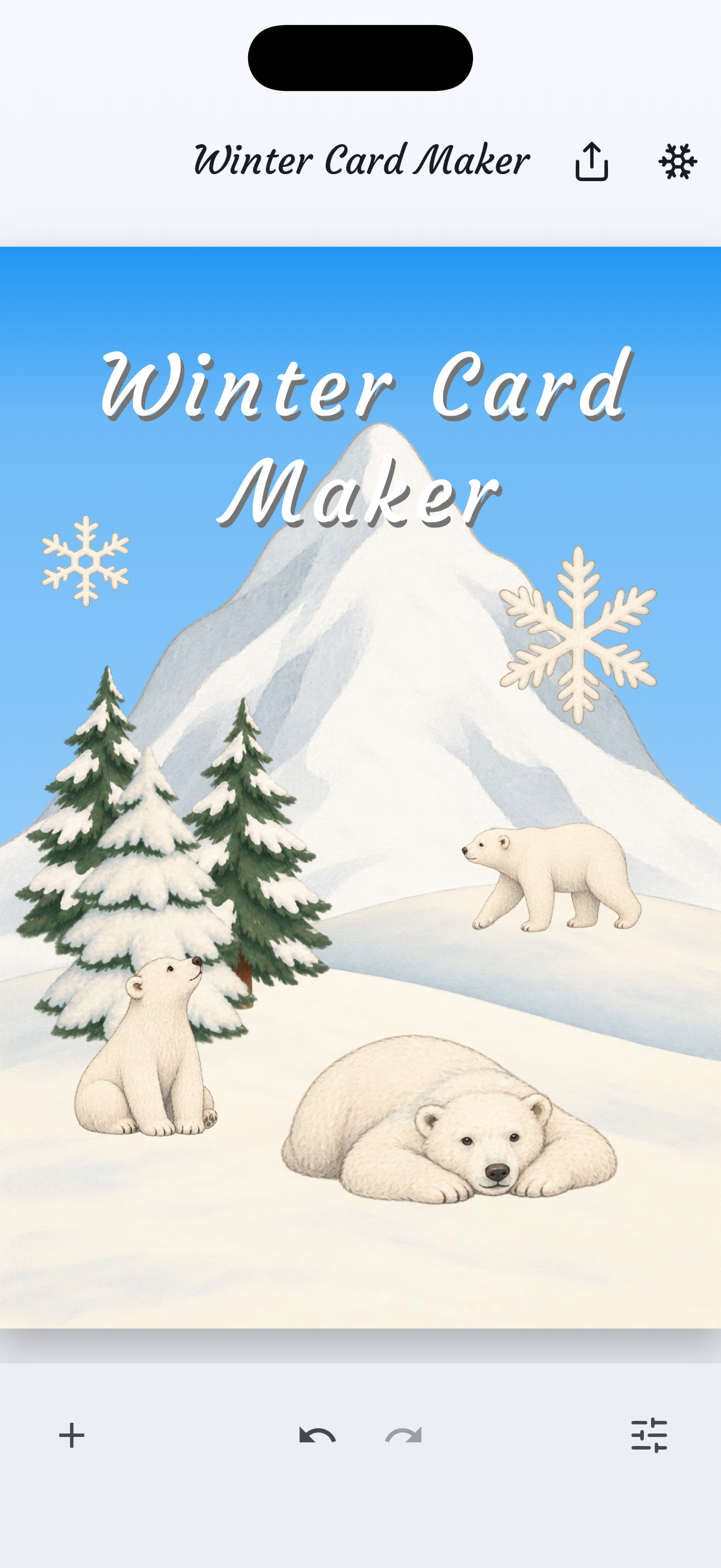
The editor, the free artwork, snow, photos, text, sharing, and printing are part of the app.
Portrait or landscape. Move, resize, and restack each piece until the card looks right.
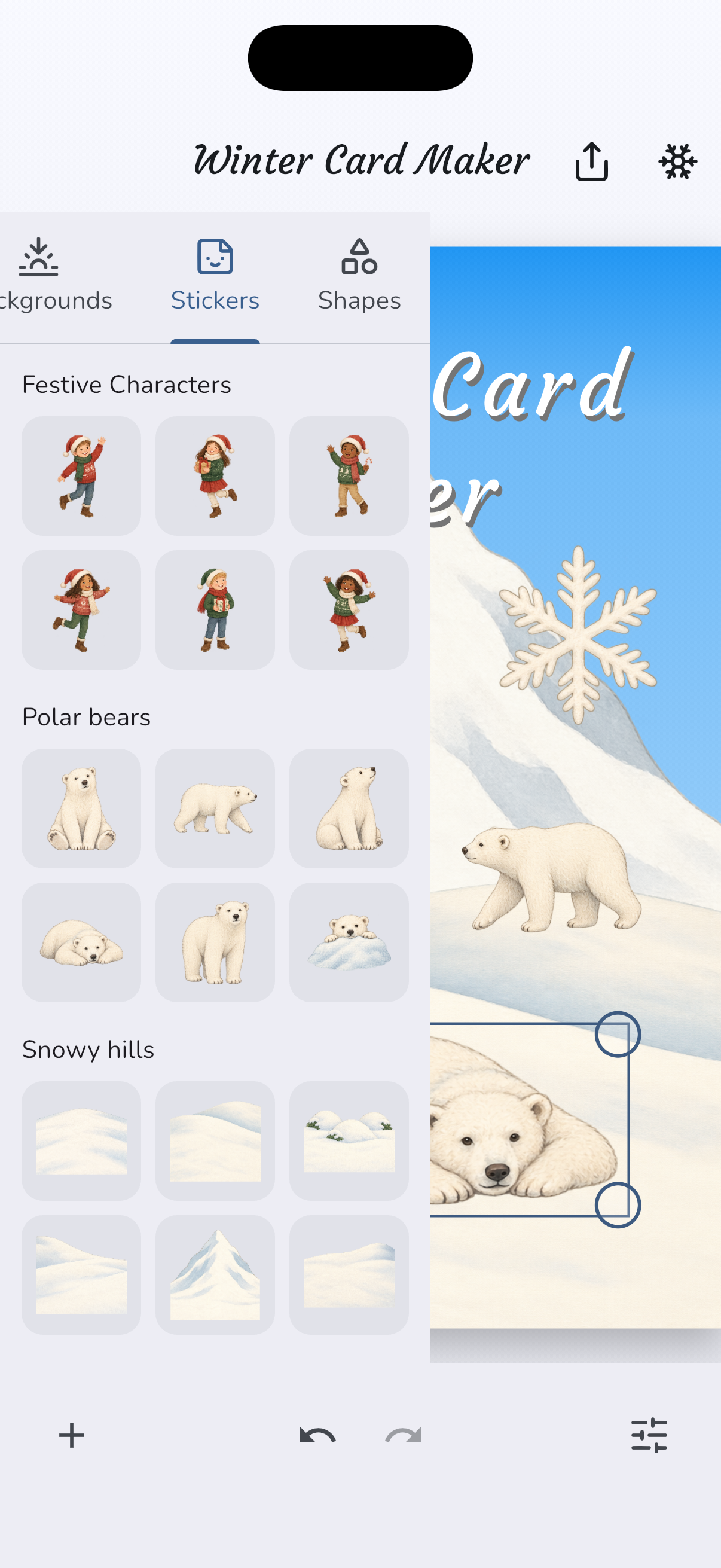
Hills, pines, icicles, snowflakes, polar bears, and festive characters ship with the app.
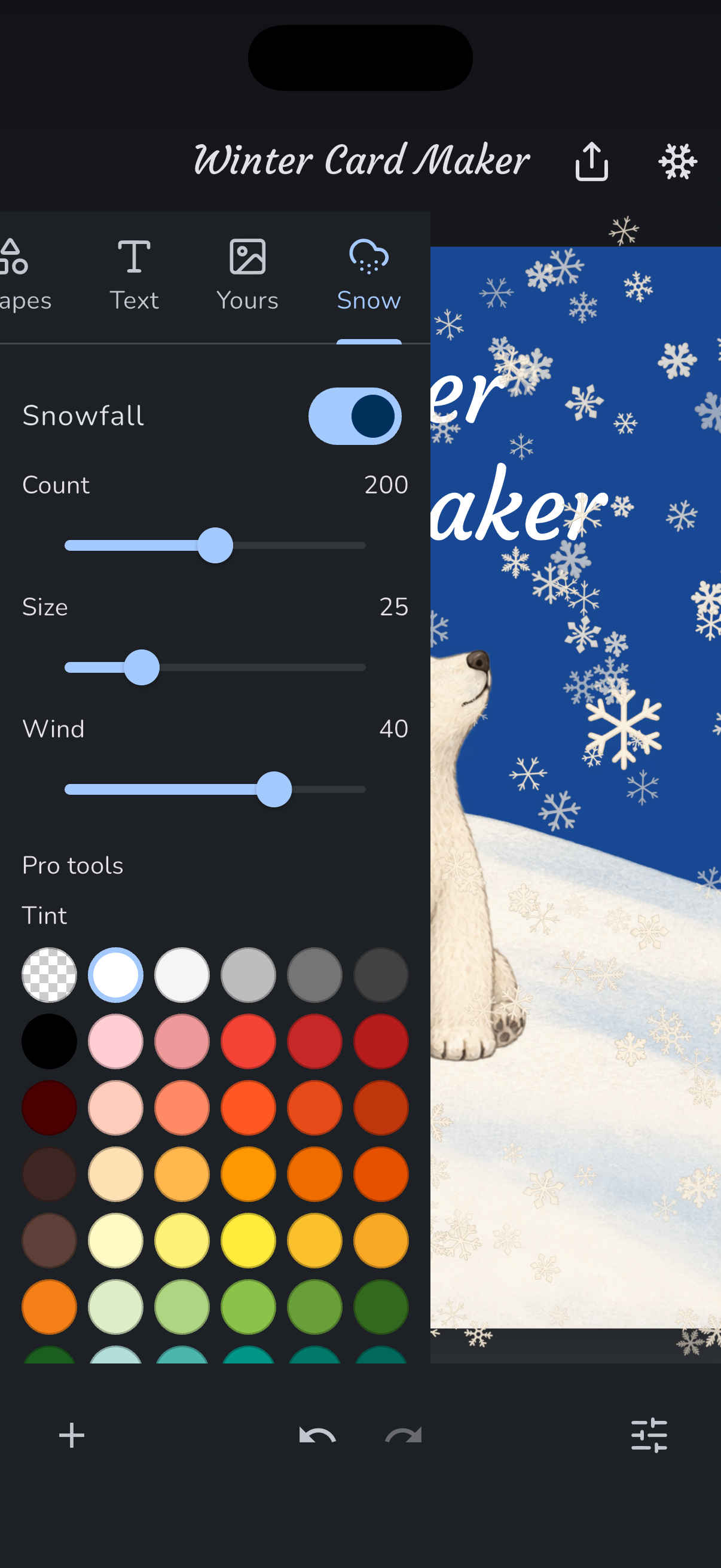
Turn on snowfall and set how many flakes, how big they are, and the wind. Tinting the flakes needs Pro.
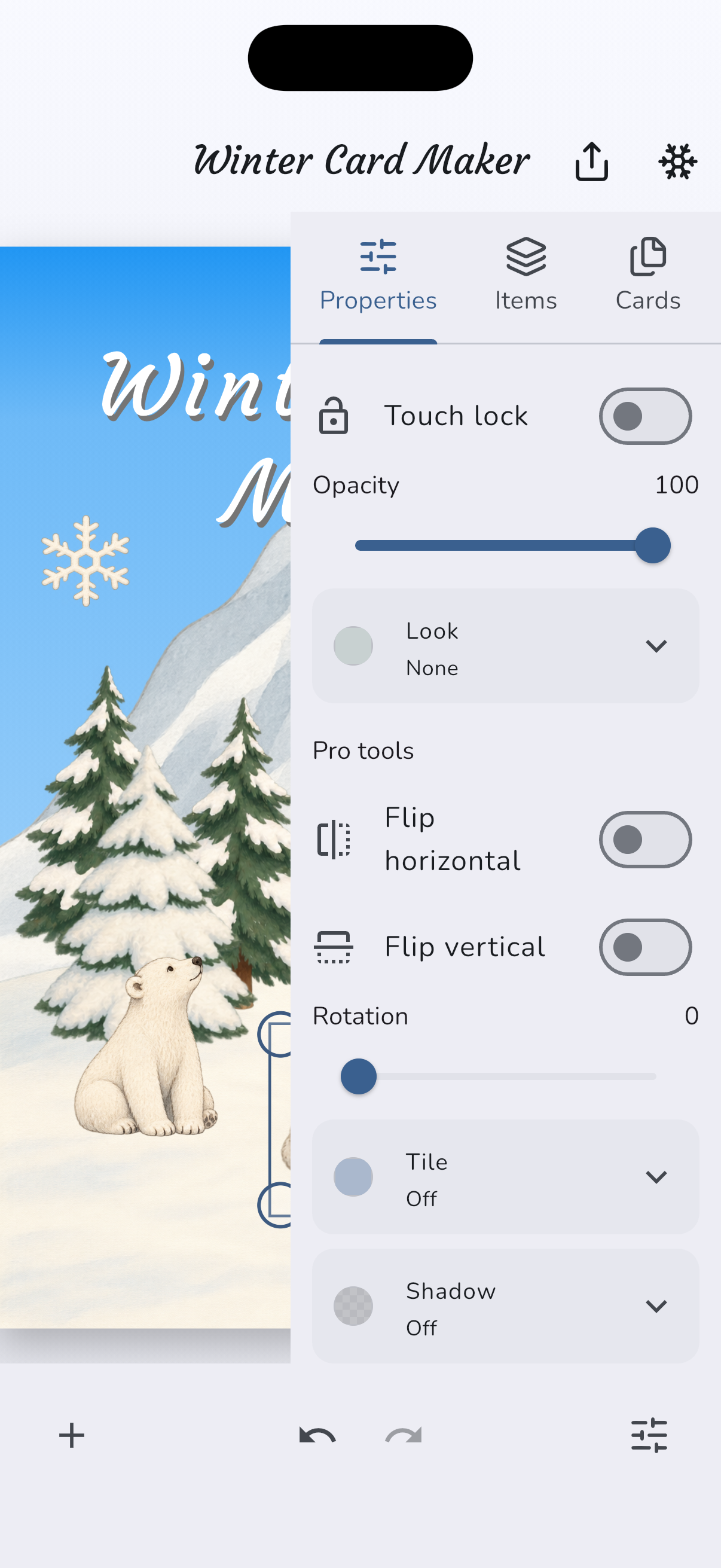
Double-tap something on the card, or its row in the Items list. Change opacity and the look preset. Studio tools sit further down and need Pro.
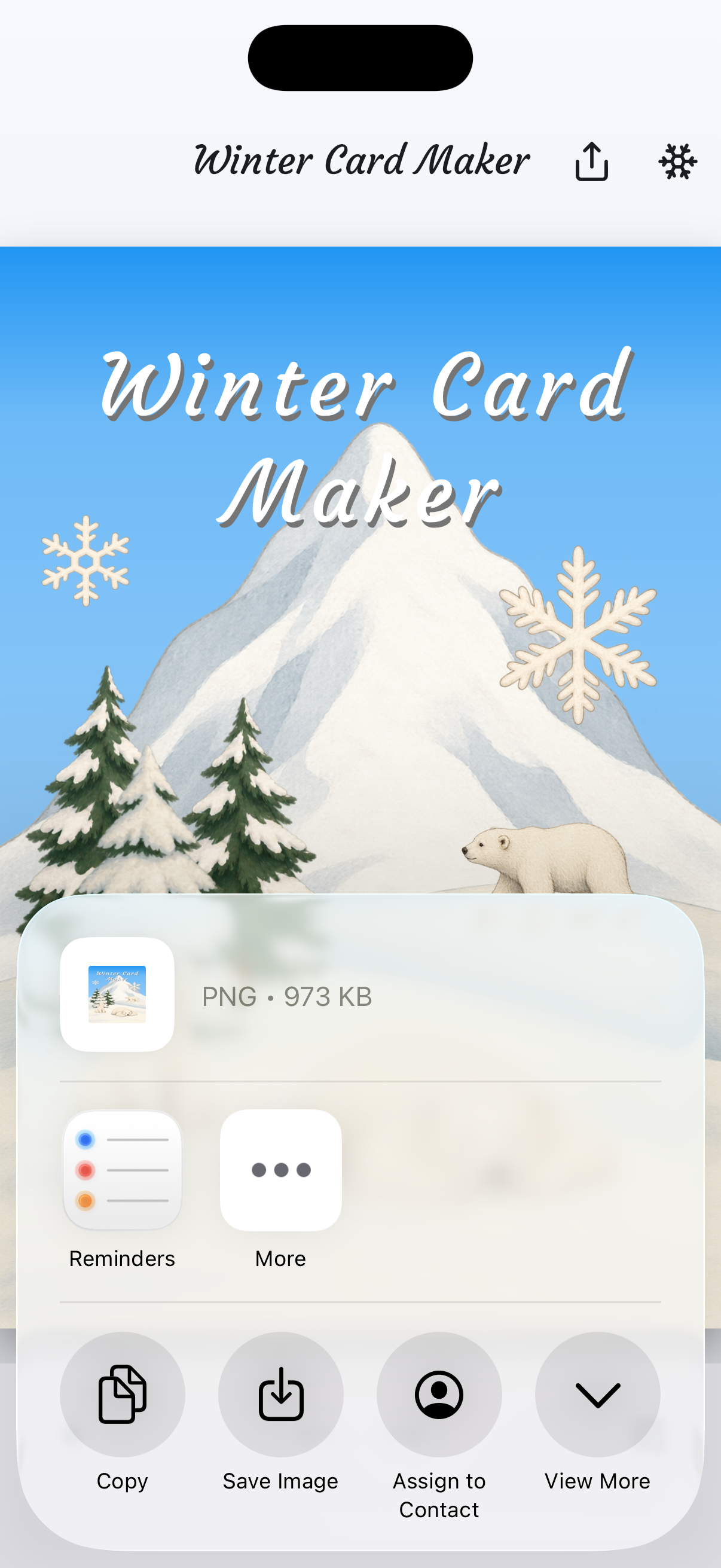
Export a picture of the card and use the system share sheet, including Save to Photos.
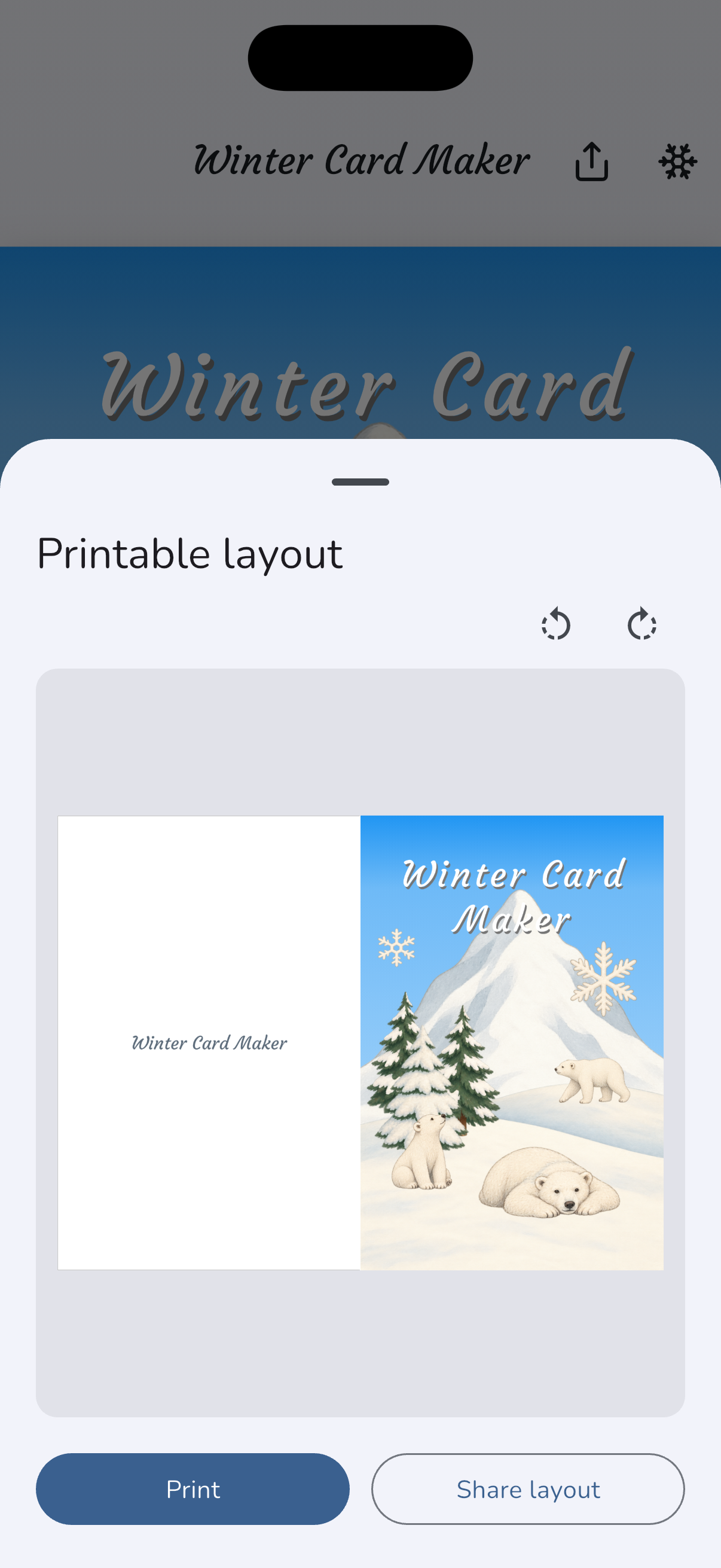
A blank panel sits beside the card, ready to fold. Turn the sheet, then print or share it.
Extra winter scenes are sold one pack at a time. Each pack is scenery and decorations together.
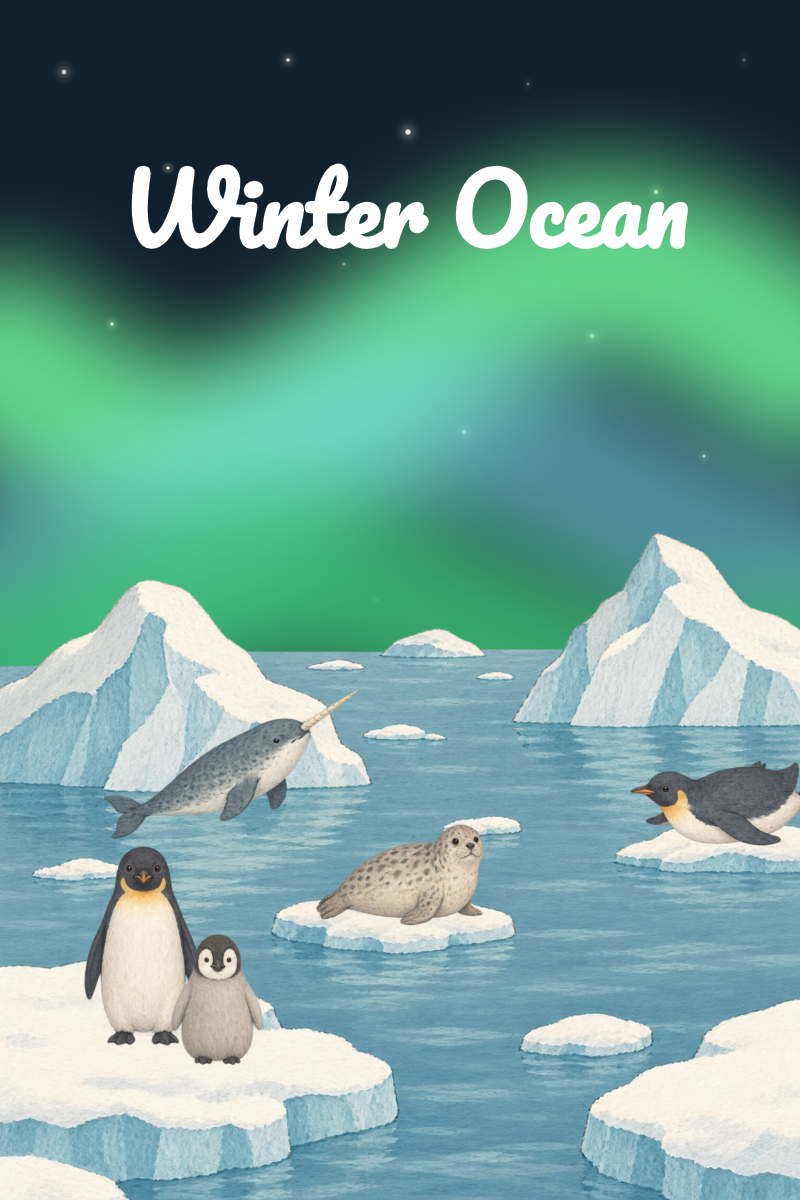
Sea, ice, and animals for a cold shore.
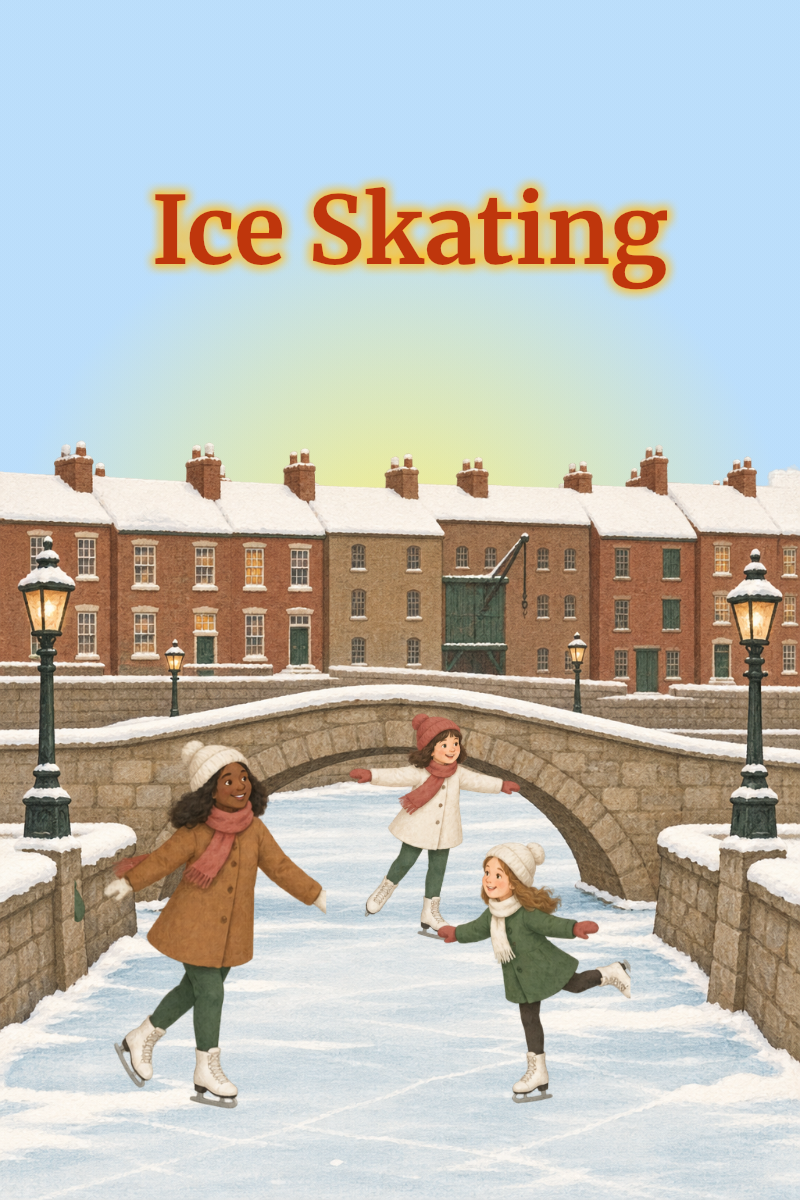
A pond, skaters, and a few small props.
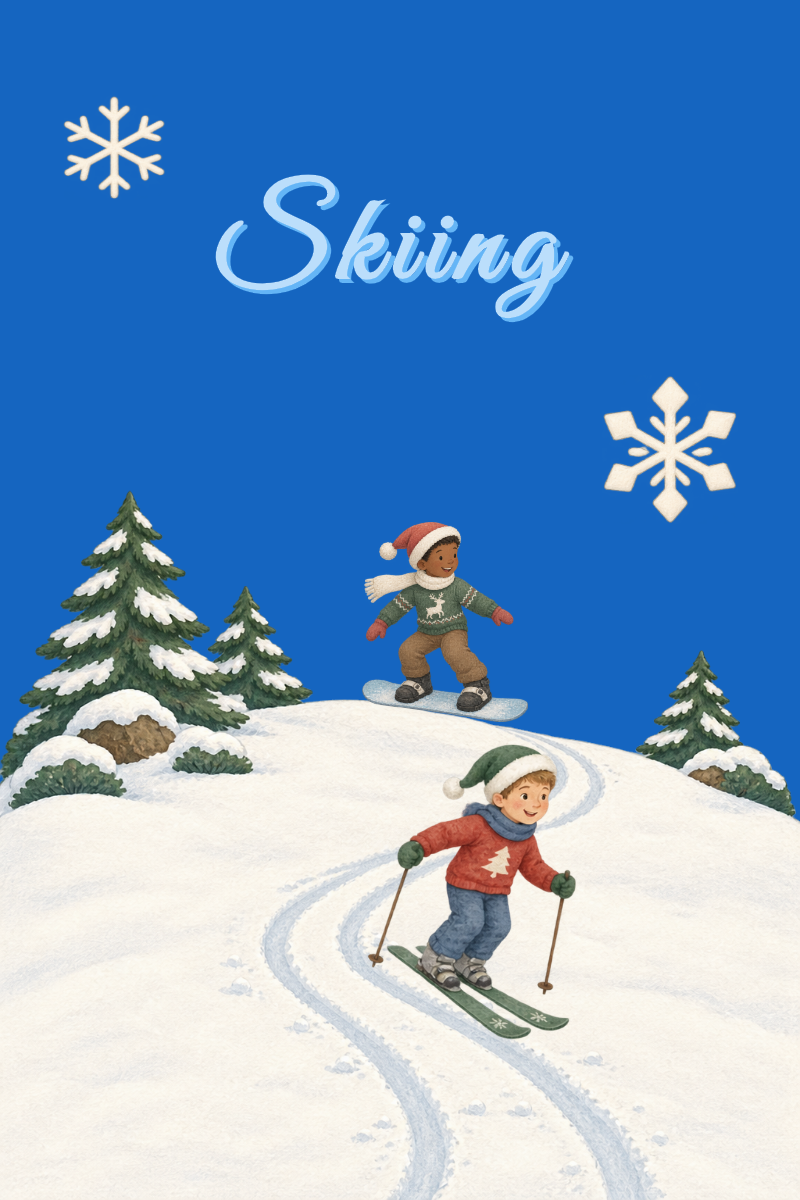
Slopes, peaks, and people on the snow.
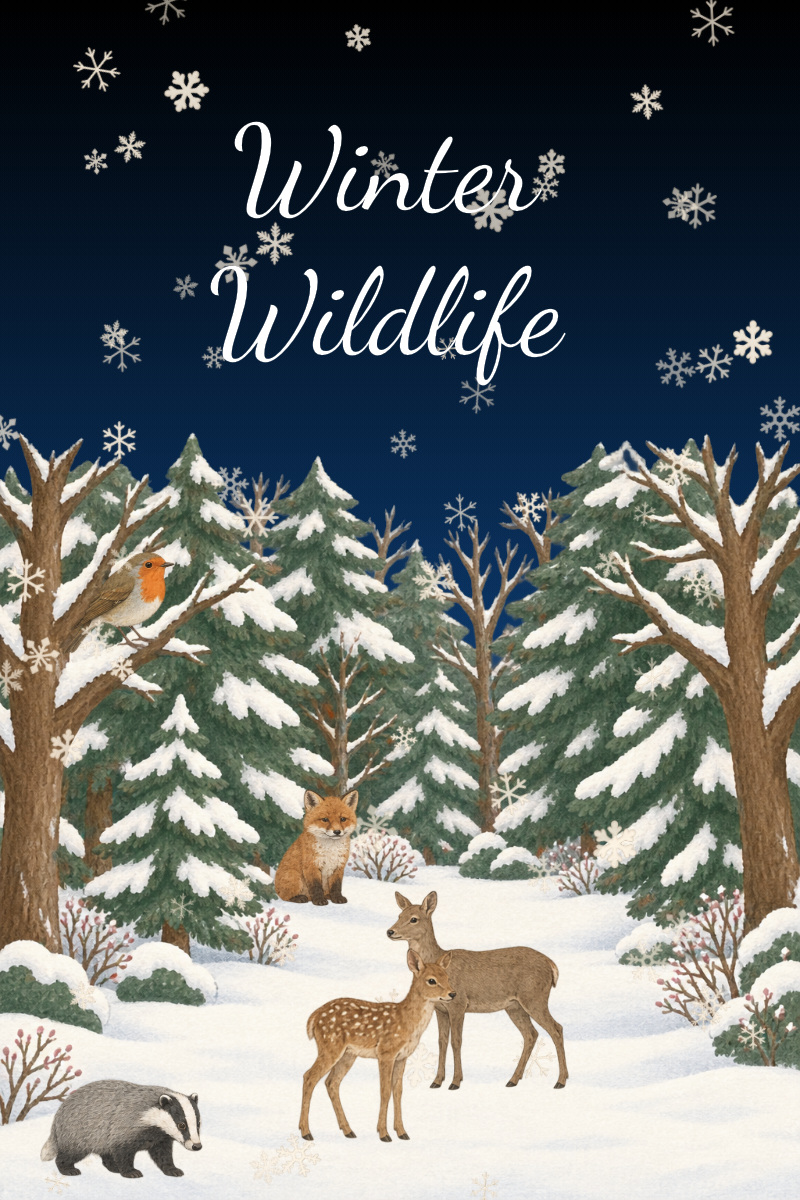
Woods, a garden, a park, and the animals that live there.
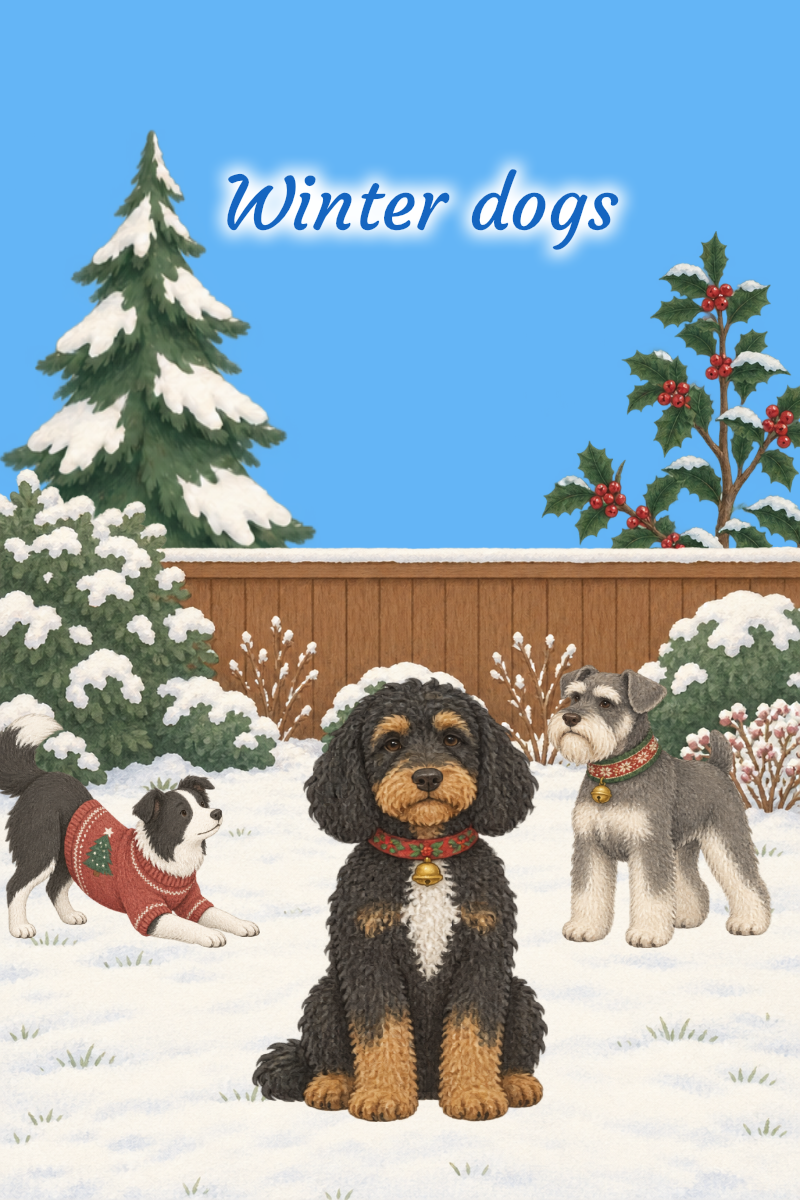
Fifteen breeds in festive knits, plus a park, a garden, and a living room.
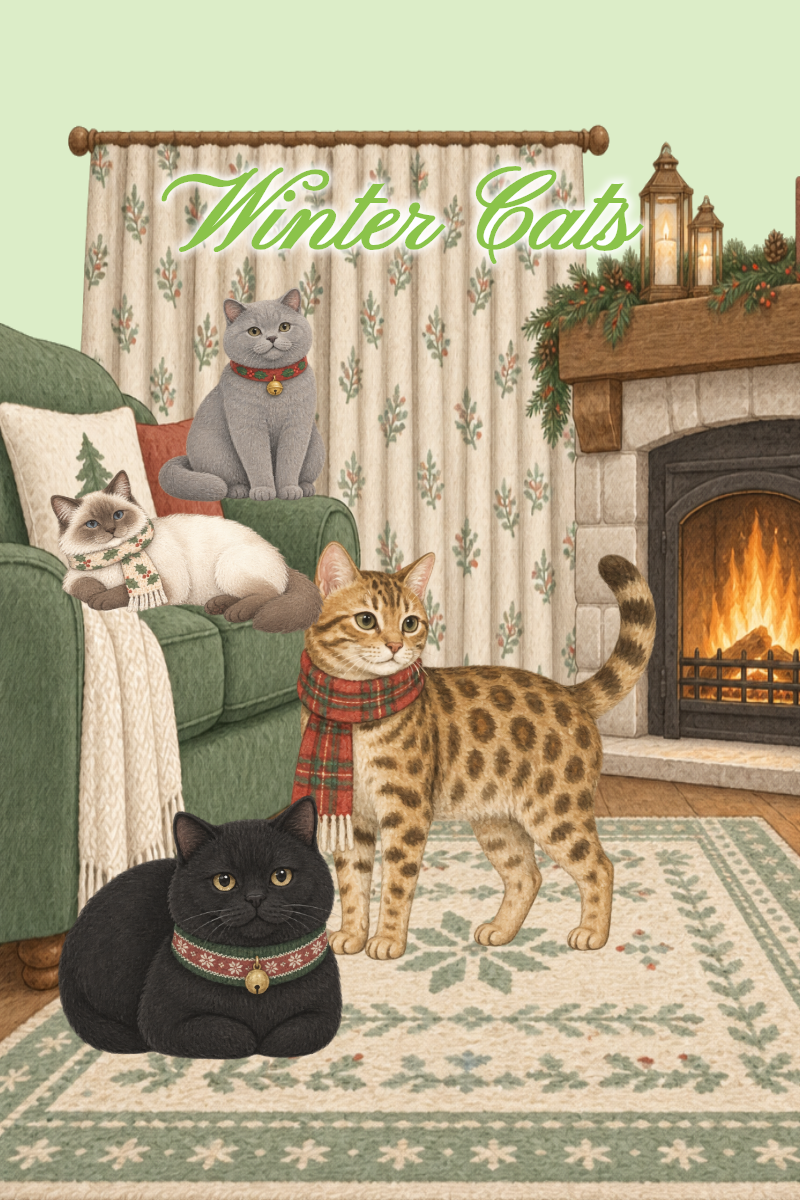
Fifteen cats in festive knits, plus a park, a garden, and a living room.
Theme packs, Pro, and Ultimate are one-time purchases. Restore them with the same Apple or Google account you bought with. There is no app signup. See Support if a restore fails.
Buy one winter scene at a time. Each pack is scenery and decorations together, and downloads after the store confirms. See the packs above.
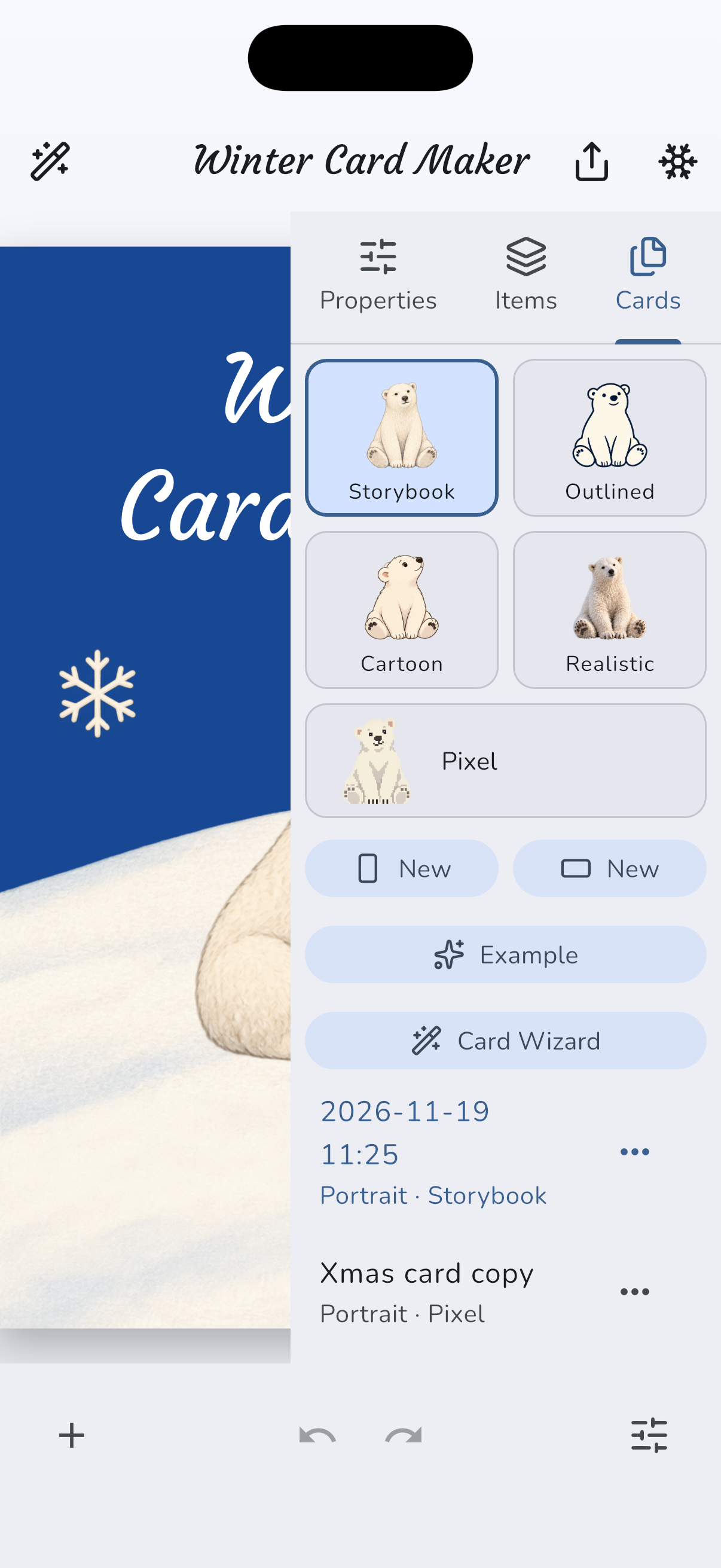
Storybook is included. Outlined, cartoon, and realistic need Pro, along with cutting your own sticker sheets and studio tools. Each style button shows a polar bear so you can see the difference. Pro does not unlock theme packs.
One purchase for Pro and every winter pack, including packs added later.
On the App Store and Google Play.